School management software for every board.

Classveda runs the whole school in one place: attendance, fees, timetables and report cards for the office, a parent app for families, and an AI tutor that teaches every student their own board's syllabus.

Book a Classveda demo

Tell us about your school and we will show you Classveda with your own board and classes.

We use your details only to reply to you. No spam.

Try the syllabus finder
  • Classes 1 to 12
  • CBSE, ICSE and ISC
  • Every state board
  • Runs on your own server
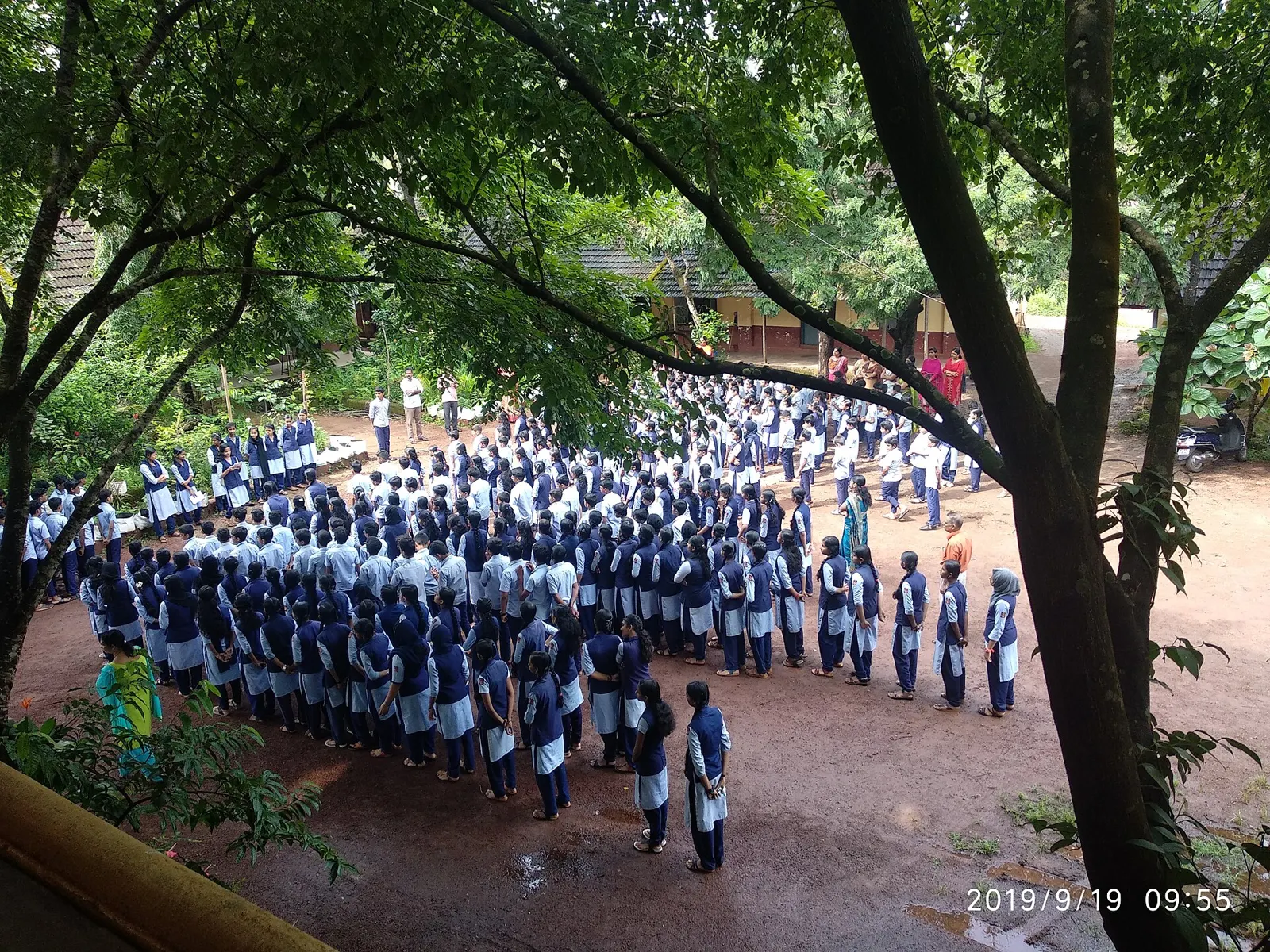
Students in uniform lined up for the morning assembly in a tree-shaded school ground in Kerala

CBSE, ICSE and state board syllabus, kept separate.

Class 10 maths is not the same on CBSE, ICSE and the Tamil Nadu board. Classveda keeps each board's chapters, versions and report-card format separate, so students only ever see their own.

Type a class, subject and board, or pick an example.

Tamil Nadu State BoardClass 10 · Mathematics · 8 units

  1. Relations and Functions
  2. Numbers and Sequences
  3. Algebra
  4. Geometry
  5. Coordinate Geometry
  6. Trigonometry
  7. Mensuration
  8. Statistics and Probability

School ERP modules your school can switch on.

Learning and operations sit on one record of each student. Start with the parts you use today and add the rest when you are ready.

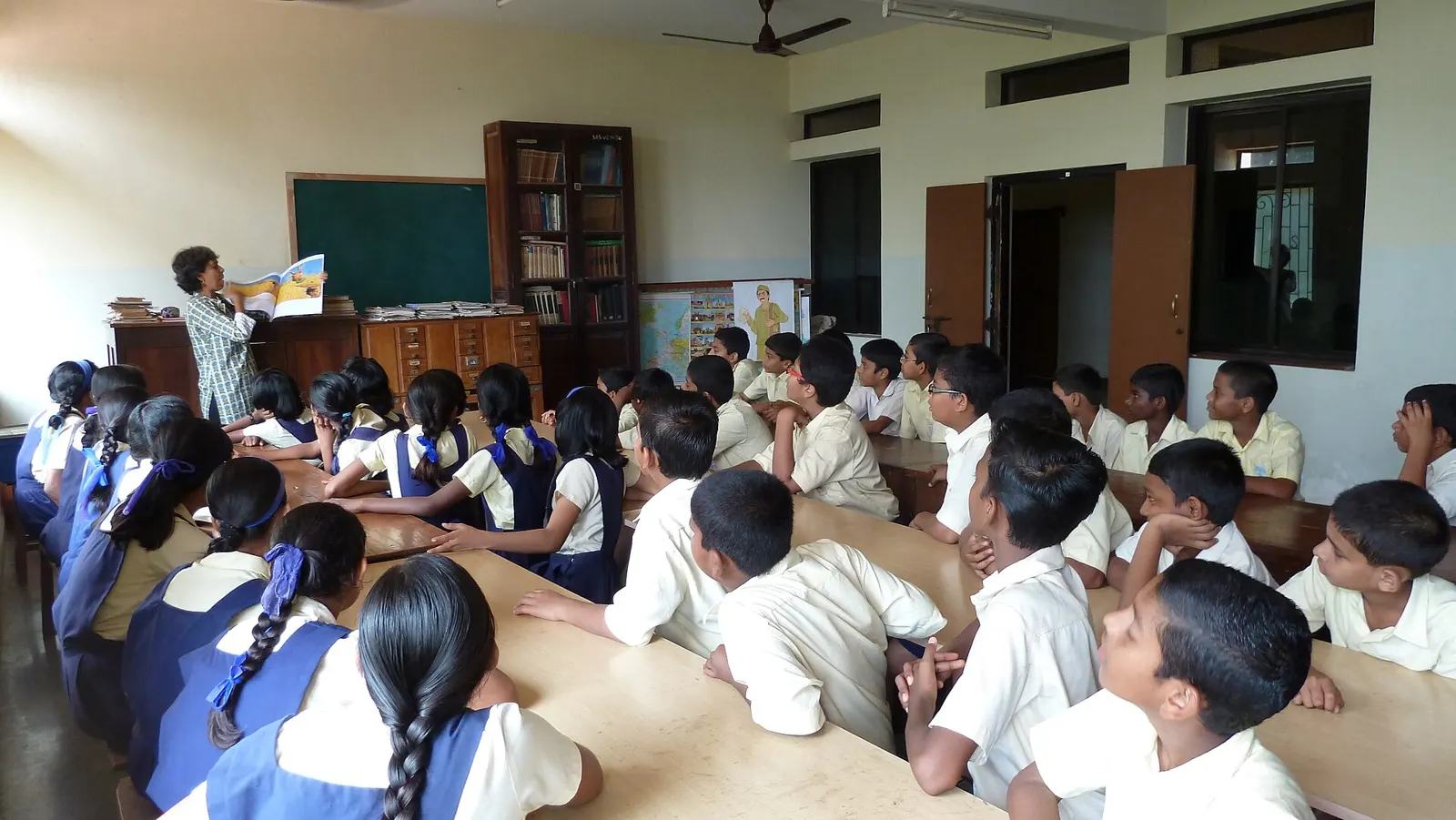
Children in school uniform at long tables during their library period in Goa, listening to a teacher holding up a picture book
  • Students learn their own syllabus.

    Notes, videos, diagrams and practice for every chapter, by board, class and subject.

  • The tutor answers from your chapters.

    Typed, spoken or photographed questions. Hints come first, and answers come from the student's own board.

  • Teachers set and mark homework here.

  • Parents see their own child's day.

  • The office runs attendance and fees.

From attendance to fee receipts: a school day in Classveda.

From the morning register to the parents' evening check, each part of the day happens in Classveda, so nobody types the same thing twice.

Morning register

Teachers mark attendance from a phone in the first period. Parents of absent students hear about it the same morning, without anyone making a call.

  • One tap per student
  • Parents alerted automatically
  • Feeds the report card and the office

School ERP, LMS and parent app features

Everything in Classveda, grouped by the people who use it: students, teachers, parents and the school office, including what is coming soon.

Students

  • A home screen with today's study plan, weak topics, upcoming tests and pending homework
  • The syllabus by board, class, subject, chapter and topic
  • Notes, videos, PDFs, diagrams and solved examples for every topic
  • Assignments with deadlines, uploads, status and feedback
  • A study planner with daily and weekly plans and an exam countdown
  • Points, badges and streaks for real progress, and a portfolio of projects and certificates
  • Virtual science labs and 3D models Coming soon
  • Concept maps and learning games Coming soon
  • Career discovery for senior classes Coming soon

AI tutor

  • Questions typed, spoken, photographed from a textbook or asked about a PDF
  • Answers drawn from your approved syllabus, with the source shown
  • Simple or deeper explanations, and hints with step-by-step working before the final answer
  • Explanations in English or the student's own language
  • Follow-up questions that check the student has understood
  • Response rules set by the school, and teacher review of anything it writes for students

Practice and exams

  • Topic practice, quizzes and challenge sets
  • Multiple choice, short and long answer, fill in the blank, true or false, matching, numerical, diagram and oral questions
  • Chapter tests, mock exams and scheduled exams with timers, attempt limits and answer keys
  • Automatic marking for objective answers; written answers marked by the teacher with rubrics
  • Board-pattern papers and question banks tagged by topic and difficulty
  • Results mapped to topics, with the kinds of mistakes made
  • Board-pattern question papers with answer keys, drafted by AI and checked by the teacher Coming soon

Learning insights

  • Topic mastery worked out from several signals, not one quiz score
  • Weak topics and likely misconceptions found early
  • Revision that brings topics back before they are forgotten, with flashcards, summaries and formula practice
  • Recommendations that say why, for students and teachers
  • Class views that show which topics need reteaching
  • Early warnings for students whose attendance, marks or homework suggest they need help Coming soon

Teachers

  • A dashboard of classes, sections and subjects
  • A lesson planner that follows the syllabus pace
  • Lesson plans, worksheets, quizzes and rubrics drafted by AI for the teacher to edit and approve
  • Uploading and publishing their own resources
  • Attendance, grading and feedback in one place
  • Student doubts, parent messages, reports and exports
  • A timetable built for you, with substitutions when a teacher is absent Coming soon

Parents

  • Every linked child in one account
  • Attendance, homework, tests, results and upcoming events
  • A short weekly summary written for parents
  • Teacher feedback and school announcements
  • Fee invoices and receipts, where the school turns them on
  • Meeting calendar and reminders
  • Bus attendance and live GPS tracking Coming soon
  • Two-way WhatsApp messages, circulars and fee reminders Coming soon

School office

  • Admissions and enrolment, and student and staff records
  • Academic years, grades, sections, subjects and streams
  • Timetables, and student and staff attendance
  • Exam schedules and report cards in your board's format
  • Fee structures, invoices, payments and receipts
  • Transport routes, library, staff leave, announcements, events and inventory
  • Several campuses with separate records and group-wide reports
  • Your own content uploaded, reviewed, approved and published, with version history
  • Biometric attendance for students and staff Coming soon
  • Transfer, bonafide and character certificates Coming soon
  • CBSE holistic progress card Coming soon
  • Hostel rooms, fees and attendance Coming soon
  • Front desk: visitor log, gate pass and enquiries Coming soon
  • Health and infirmary records Coming soon
  • HR and payroll, with payslips Coming soon
  • Fee accounting ledgers Coming soon
  • A principal dashboard, and plain-language questions such as “Which Class 8 students have unpaid fees?” Coming soon
  • IB and IGCSE boards Coming soon

Languages, access and alerts

  • English, Hindi and regional languages, in the screens and in the tutor's answers
  • Text-to-speech, speech-to-text, captions and transcripts
  • Screen-reader and keyboard support, larger text, high contrast and dyslexia-friendly options
  • Light pages for slow connections, and resources students can download
  • In-app, email, push and SMS alerts for homework, exams, results, attendance and fees
  • Each person chooses which alerts they receive

Security and privacy

  • Every request checked against the person's role and school on the server
  • Each school's records kept apart, in the database as well as the application
  • Parents linked only to their own verified child
  • Data encrypted in transit and at rest, and files kept private behind expiring links
  • An audit log of grade changes, exports and other sensitive actions
  • Encrypted backups with tested restores

Items marked Coming soon follow after launch. Tell us in the demo which ones matter most to your school.

Questions schools ask

Comparing options? Read our guides to school ERP software in India and the school management software checklist, or go deeper on fees, attendance alerts, report cards, AI tutors and student data under the DPDP Act.

What is school ERP software?
School ERP (enterprise resource planning) software runs the administration of a school in one system: admissions, student records, attendance, timetables, exams and report cards, fees and receipts, transport and library. Classveda adds the learning side to the same record, with the syllabus, homework, tests and an AI tutor, so the office and the classroom share one set of data.
Does Classveda have a parent app?
Yes. Parents sign in to see attendance, homework, test results, fee invoices and receipts, and school announcements for each of their linked children, and receive a short weekly summary. Alerts arrive in the app, by email, push notification or SMS.
Is Classveda ready?
Classveda is in its final stage before launch. Book a demo to see it working and to plan when your school starts.
Which boards and classes does it cover?
All of them: Classes 1 to 12 on CBSE, ICSE and ISC, and every state board, including Tamil Nadu, Karnataka, Kerala, Maharashtra, Telangana and Andhra Pradesh. Each board's syllabus is kept separately, with its own chapters, versions and report-card format, and every board's content is reviewed before students see it.
Where does it run?
Classveda is licensed to your school and runs on your own server, under your own domain. We install it and set it up with you. Hosting and the AI provider are paid directly to those providers; we do not resell them.
Who owns the student data?
Your school does. The database and files sit on your server, and each campus's records are kept separate.
Is the AI tutor safe for children?
It answers only from your approved syllabus content for the student's board and class, says when it is not sure, gives hints before full answers and keeps its replies age-appropriate. Teachers approve anything the AI writes before students see it, and students cannot message each other privately.
Does it follow India's data protection law?
Classveda is built for the Digital Personal Data Protection Act, 2023: it collects only what a school needs, asks parents for consent where the law requires it, and links a parent only to their own verified child.
How is it priced?
As a licence for your school or group. The price depends on the number of students and campuses, and we share it in the demo.
How is it different from Cloudgramam LMS?
Cloudgramam LMS is for academies, training companies and course sellers. Classveda is built for schools, around board syllabi, classes and sections, parents and the school office.
See Classveda with your own syllabus.

We show it with your board, classes and timetable, as a student, teacher, parent and administrator.

Book a Classveda demo

Tell us about your school and we will show you Classveda with your own board and classes.

We use your details only to reply to you. No spam.

Running an academy or training business instead? See Cloudgramam LMS.

Photographs of Indian schools from Wikimedia Commons, used under Creative Commons licences. See credits and licences.